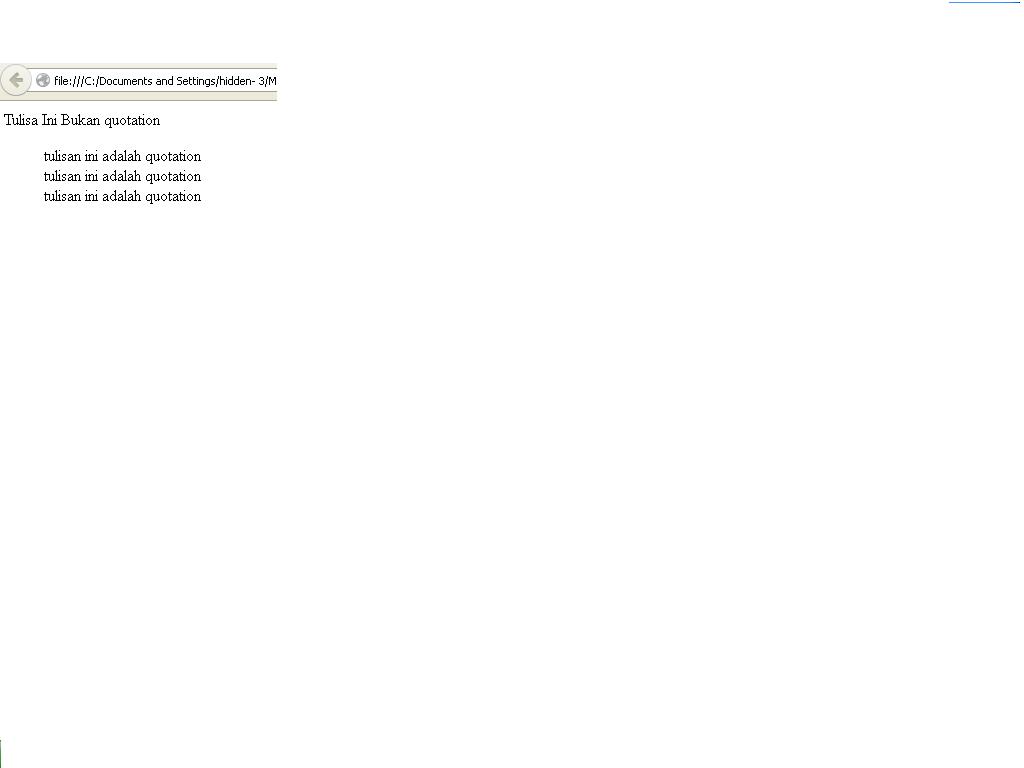
<html>
<head>
<title>quotation</title>
</head>
<body>
Tulisa Ini Bukan quotation
<blockquote>tulisan ini adalah quotation <br>tulisan ini adalah quotation <br>tulisan ini adalah quotation <br></blockquote></body></html>
<html>
<head>
<title>table</title>
</head>
<body>
berikut contoh tabel dengan rowspan dan colspan
<table width=80% border=2 cellspacing=0 cellpadding=0 bgcolor=grey>
<tr bgcolor=green>
<td>baris 1 kolom 1</td>
<td>baris 1 kolom 2</td>
</tr>
<tr bgcolor=blue>
<td colspan=2>baris 2 kolom 1</td>
</tr>
<tr bgcolor=yellow>
<td rowspan=2baris 3 kolom 1</td>
<td>baris 3 kolom 2</td>
</tr>
</table>
</body>
</html>
Langkah langkah Membuka Note Pad<html><head><title>Tugas Membuat Ordered List</title></head><body><b>langkah langkah membuka notpad</b><ol><li>Klik Start kemudian klik All Programs</li><li>Arahkan mouse ke Accessories kemudian klik Notepad</li><li>Berhasil dibuka</li></ol></body></html>
 |
| Add caption |
TUGAS FORMAT TEKS 1
<html>
<head>
<title>Format Teks</title>
</head>
<body>
<p>
<b>Tulisan Ini Ditebalkan (bold)</bold>
</p>
<p>
<strong>tulisan ini ditebalkan
(strong)</strong>
</p>
<p>
<em>Tulisan Ini Miring (emphasize)
</em>
</p>
<p>
<big>tulisan ini besar (big)</big>
</p>
<p>
<i>Tulisan Ini Miring (italic) </i>
</p>
<p>Tulisan Ini
<sub>Subscipt</sub>
</p>
<p>Tulisan Ini
<sup>Superscript</p>
</p>
</body>
</html
<html><head><title>preformat</title></head><body><H2>daftar harga keladi : </h2><pre>Red Flash . . . . . 35.000Red Flash . . . . . 60.000fanie munson . . . . 60.000</pre>Harga Sewaktu-waktu bisa berubah.</body></html>
<html><head><title>tag preformat</title></head><body><pre>This section provides a brief overview of the menus inDreamweaver. The File menu and edit menu contain the standard menu item for file and edit.menus, such as new, open, save, save all, cut,copy,paste,undo,and redo</pre><pre>ini adalahpreformated text.menampilkan spasiDan Line Break apa adannya</pre><p> Tag PRE cocok digunakan untuk menampilkan kode bahasa pemrograman komputer :</p><pre>for i = 1 to 10 print inext i</pre></body>
<html>
<head>
<title>Penggunaan ALIGN</title>
</head>
<body>
<table border="1">
<caption>Daftar wiraniaga</caption>
<tr>
<th colspan="2" rowspan ="2">WIRANIAGA</th>
<th colspan="3">KOTA</th>
</tr>
<tr>
<th>SEMARANG</th>
<th>Kudus</th>SOLO</th>
</tr>
<tr>
<th rowspan ="2">Jenis Kelamin</th>
<th>Pria</th>
<th align="right">30</td>
<td align="right">20</td>
<td align="right">30</td>
</tr>
<tr>
<th>Wanita</th>
<td align="right">20</td>
<td align="right">8</td>
<td align="right">18</td>
</tr>
</table>
</body>
</html>